Ligature for iPhone

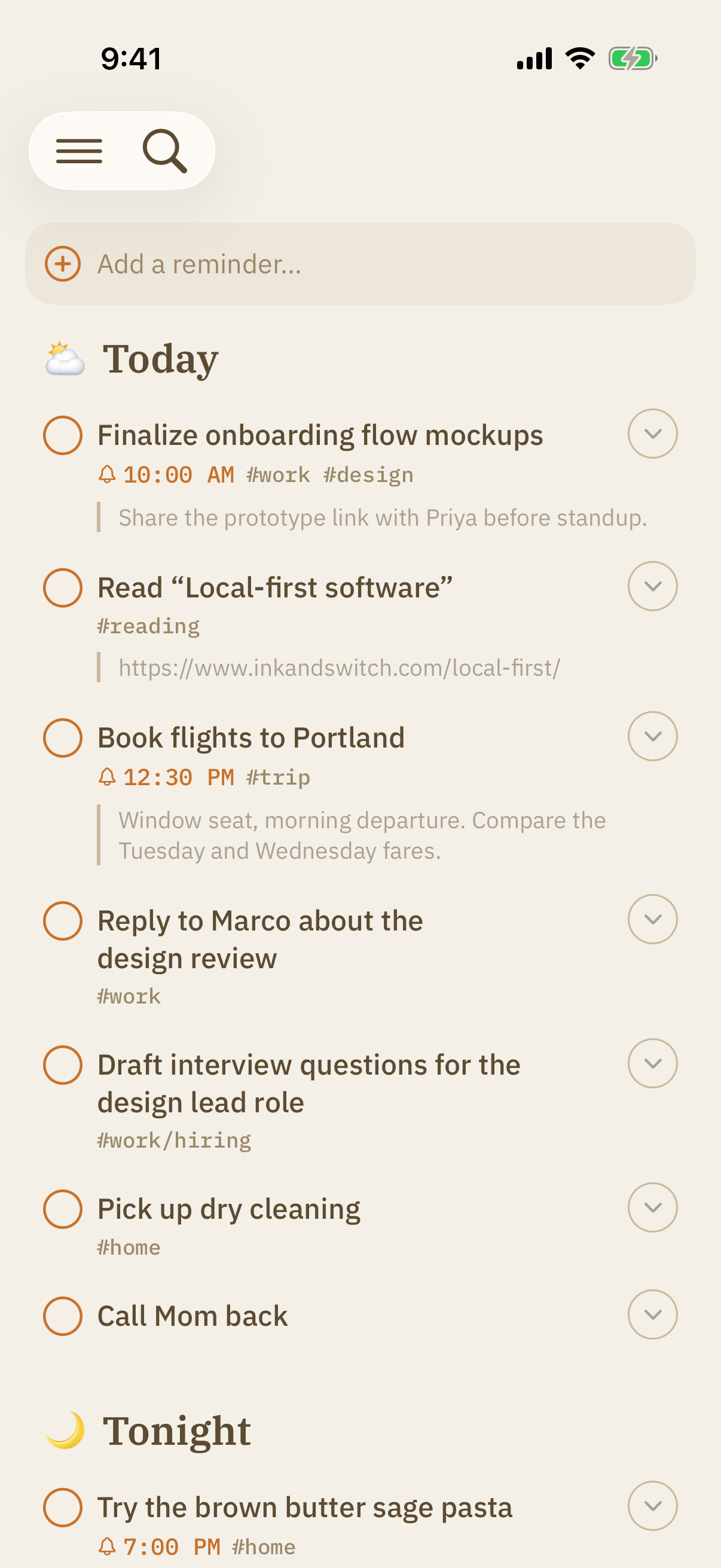
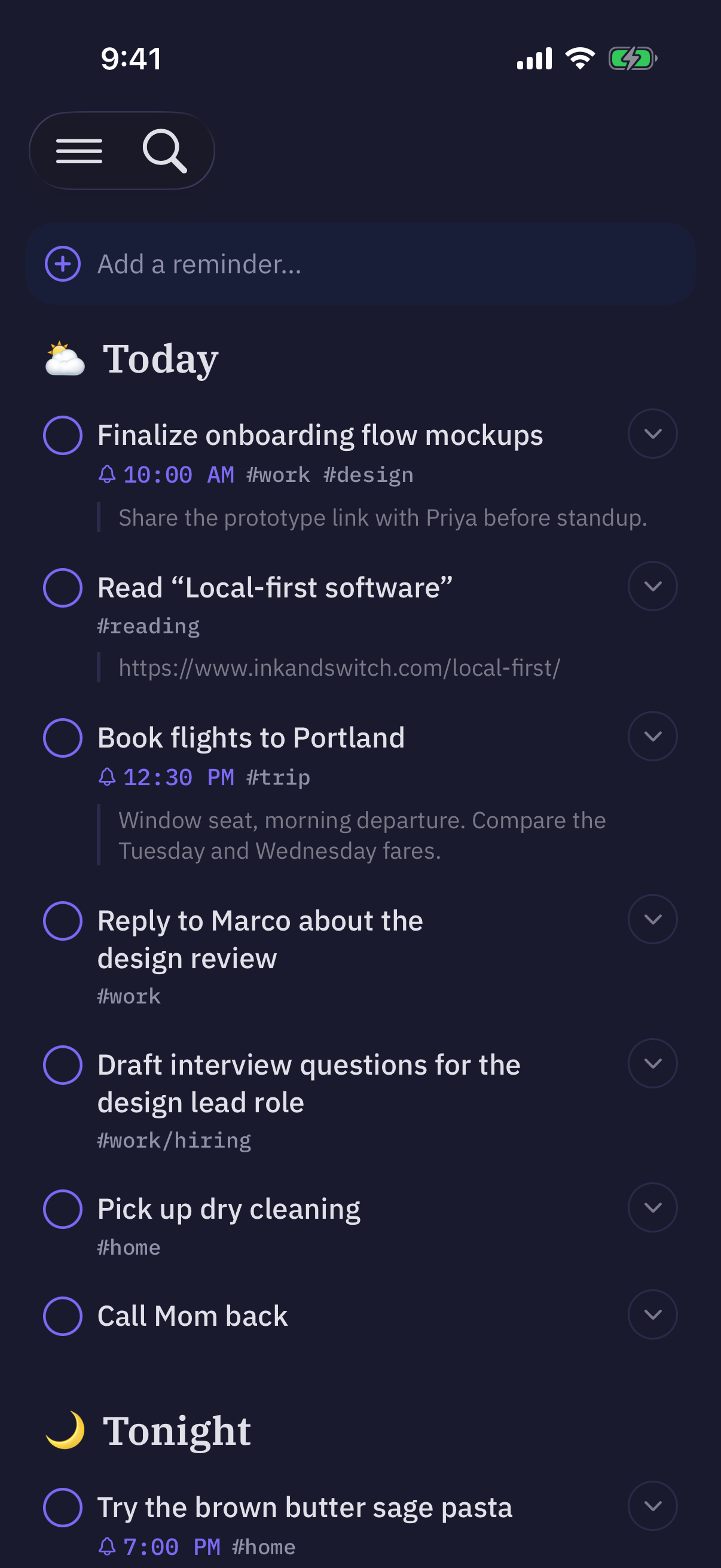
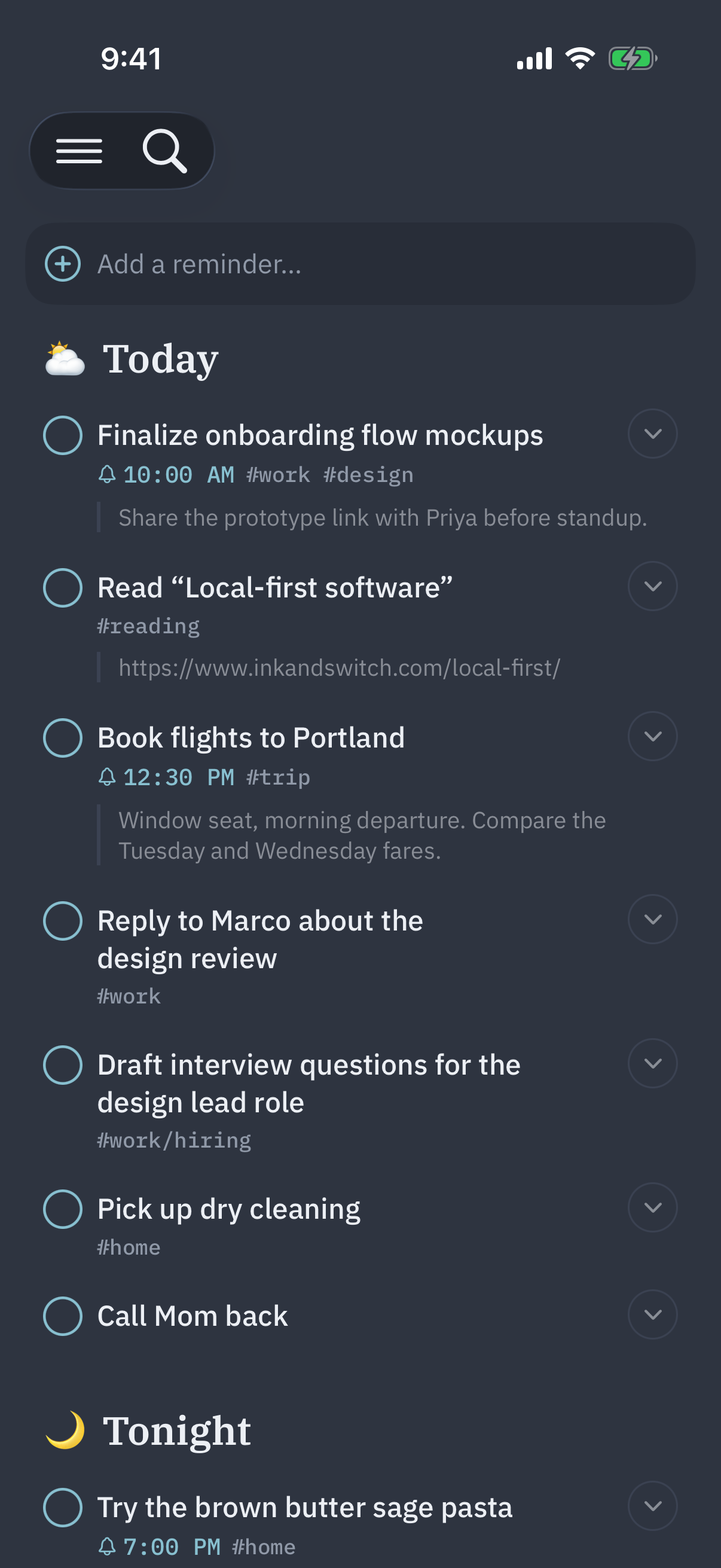
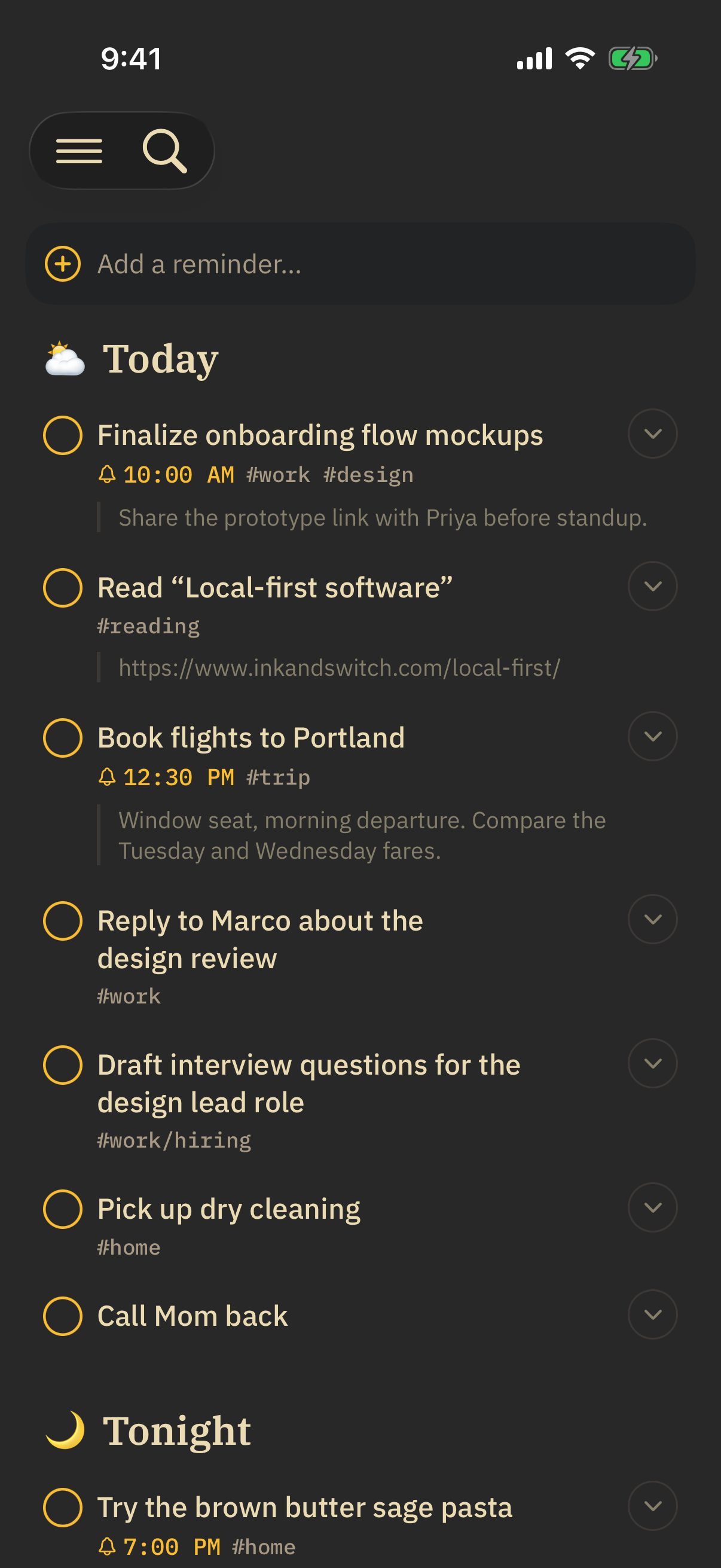
Ligature for Mac
FAQ
Do I need to use Obsidian for my notes?
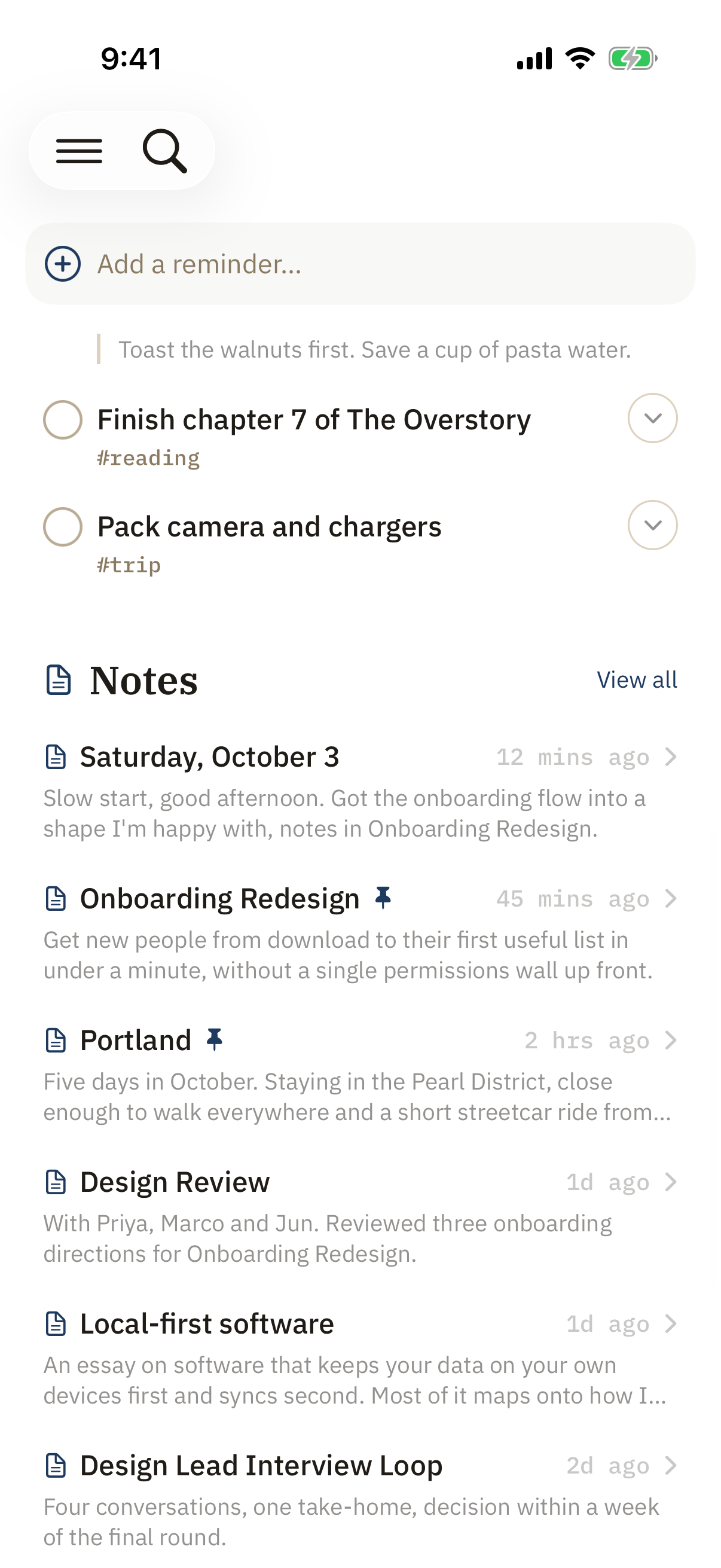
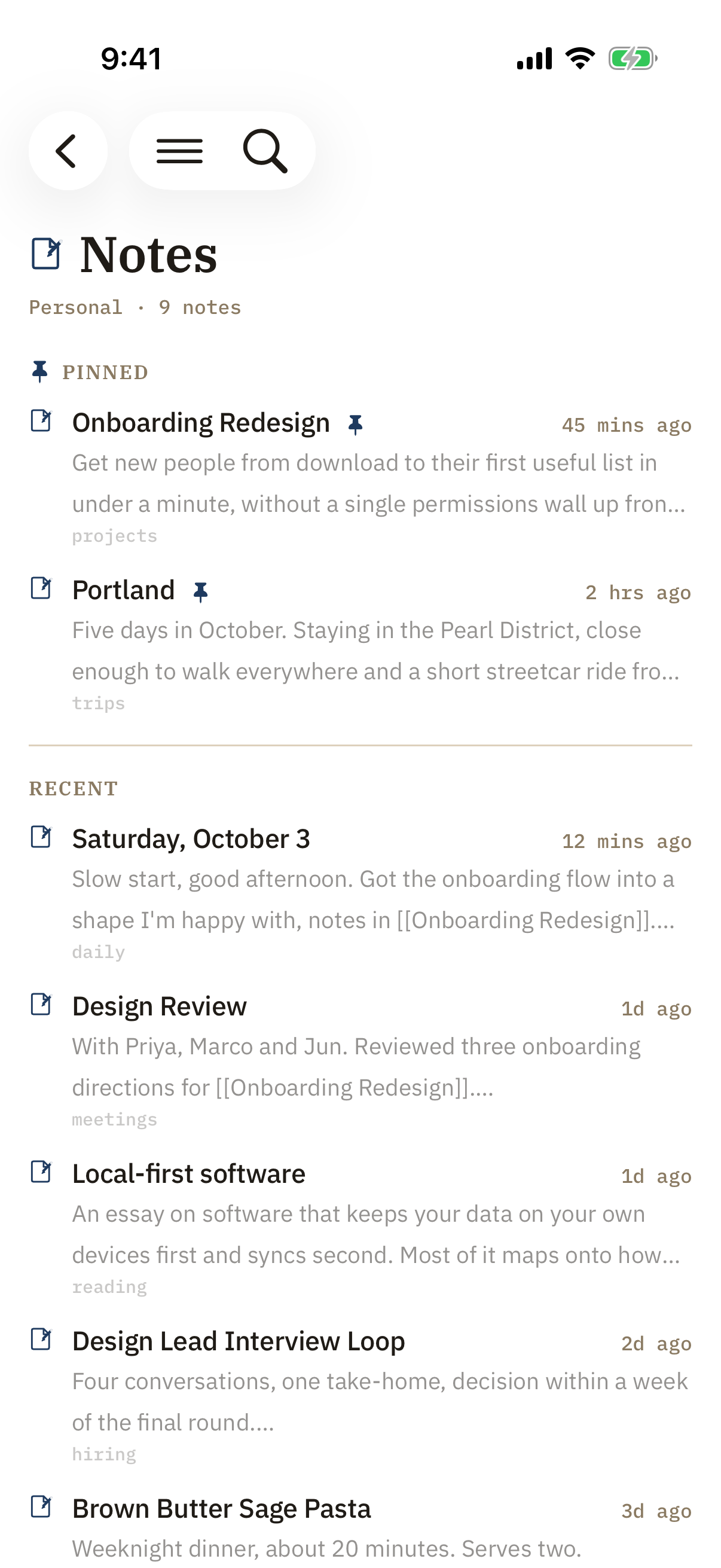
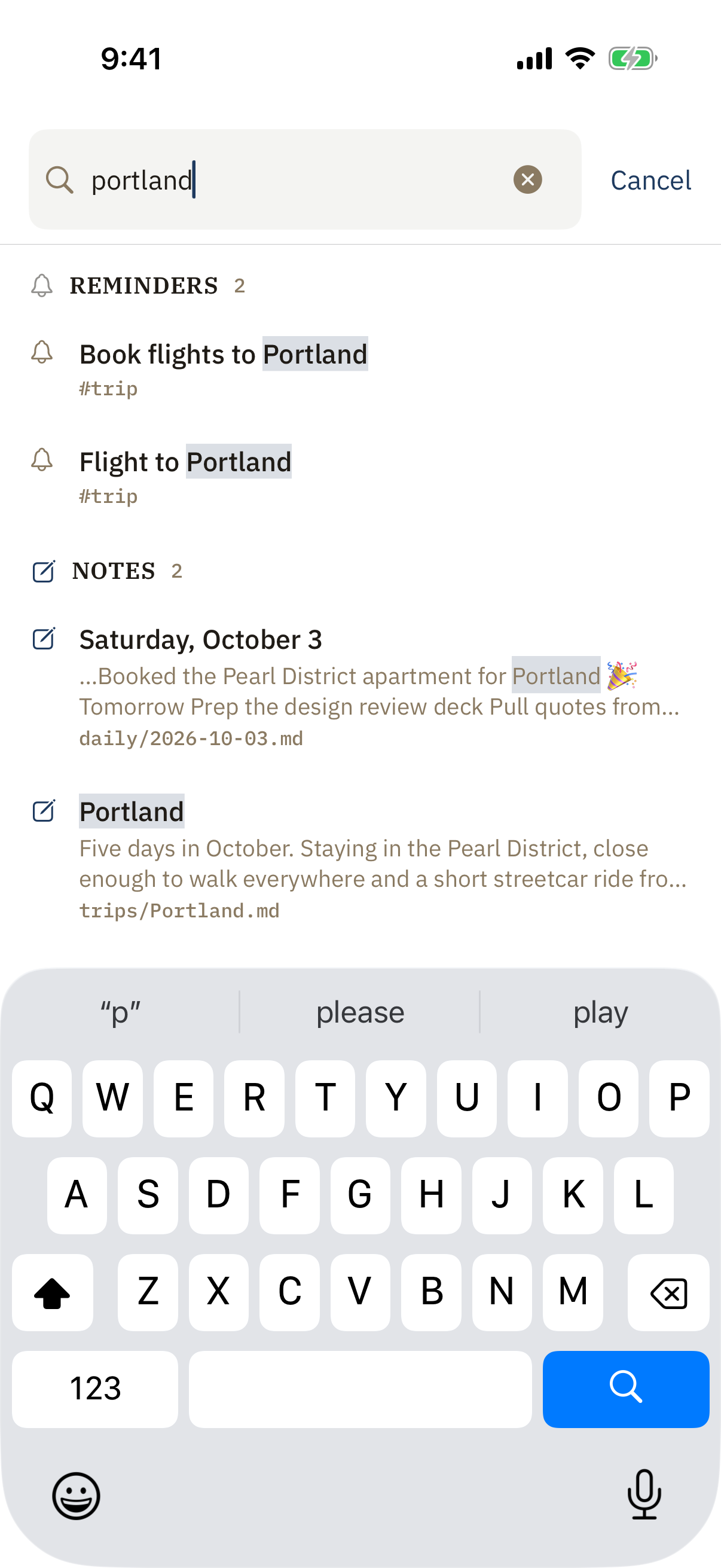
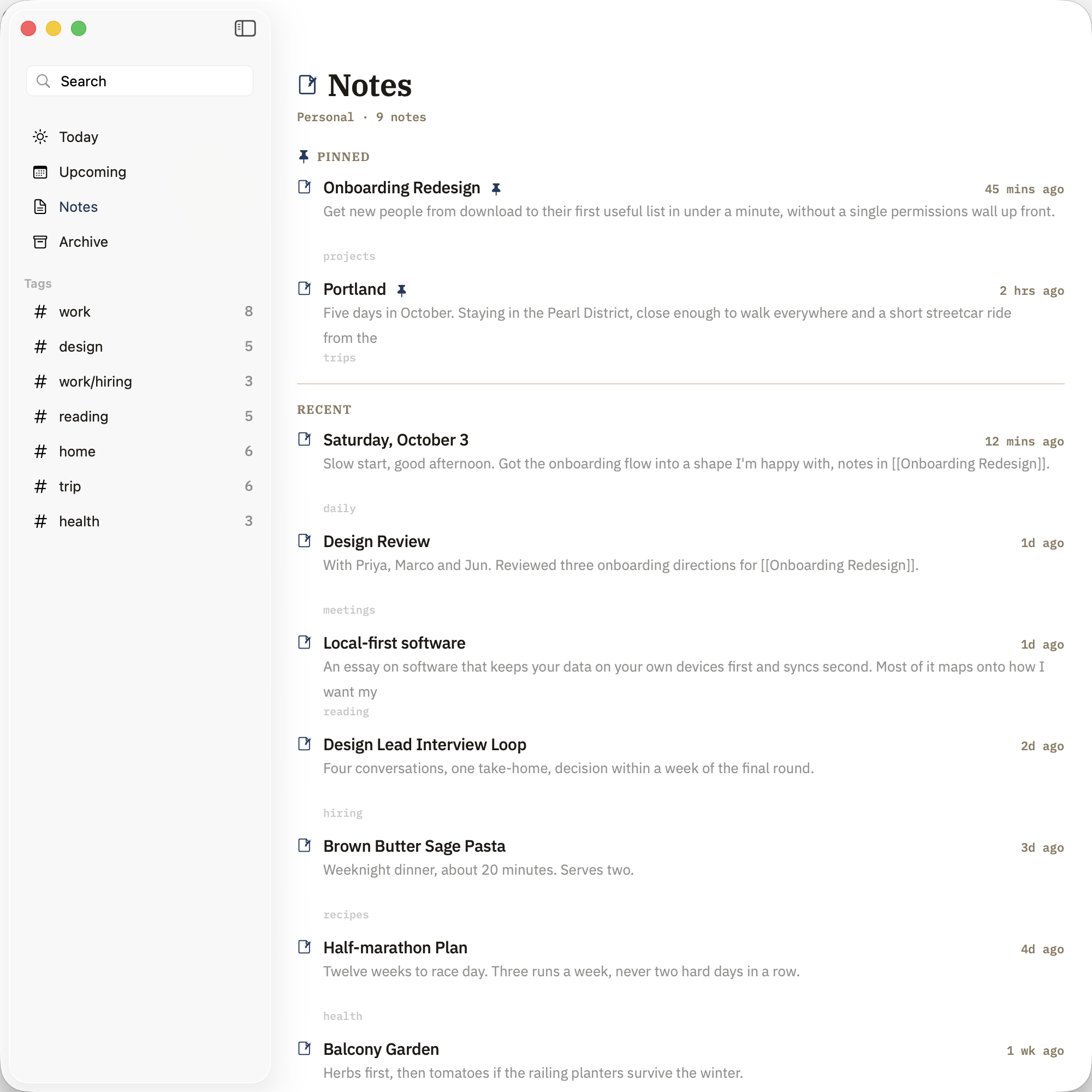
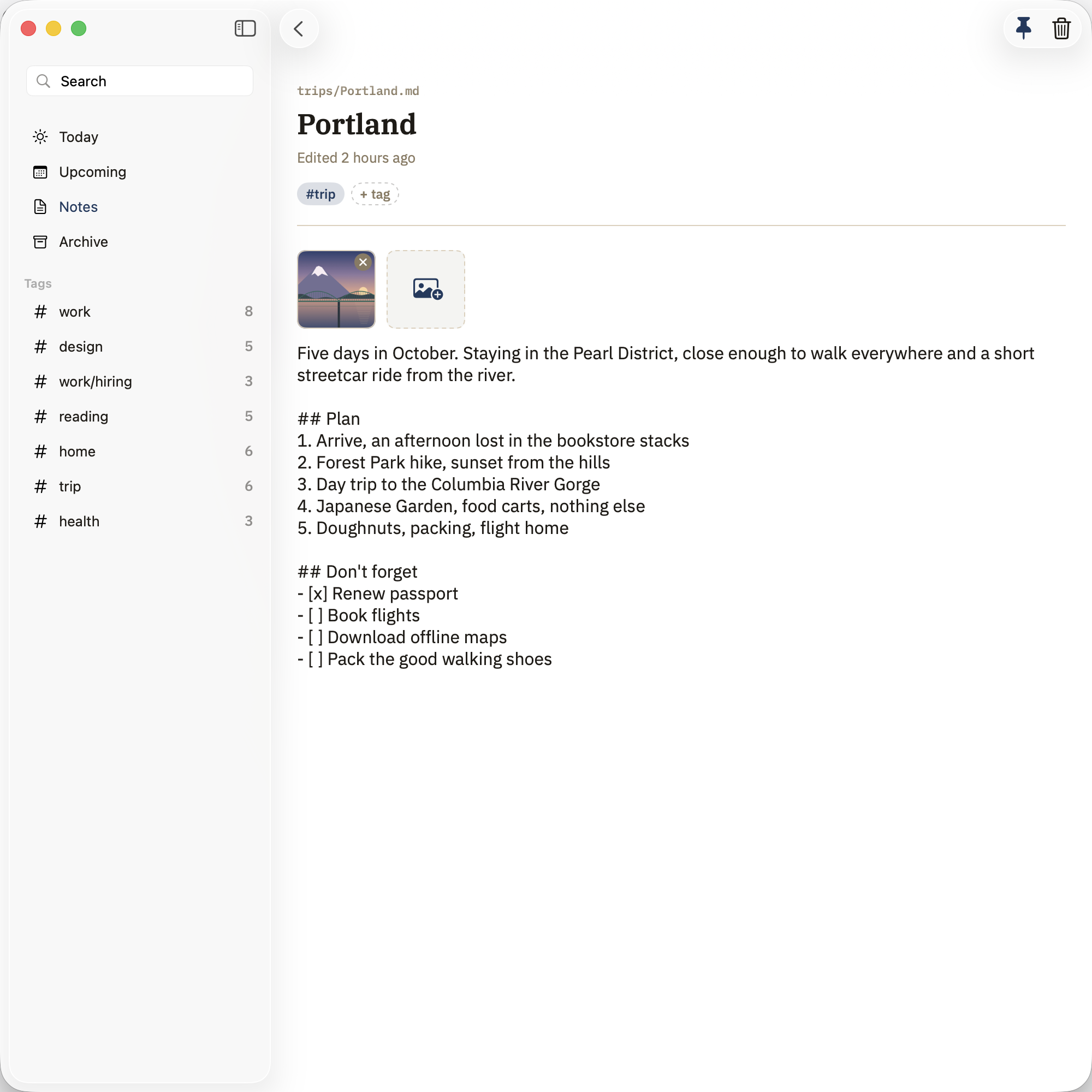
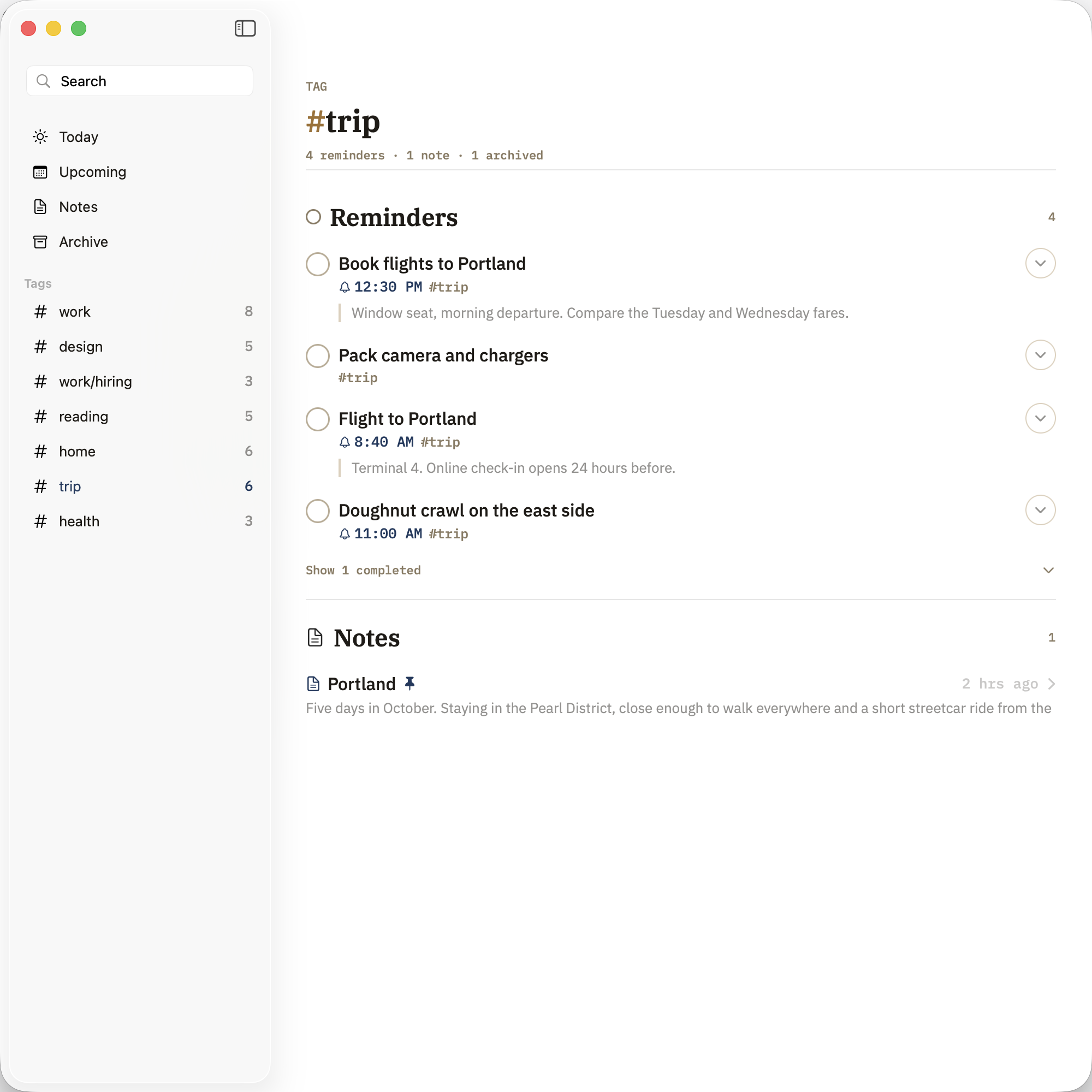
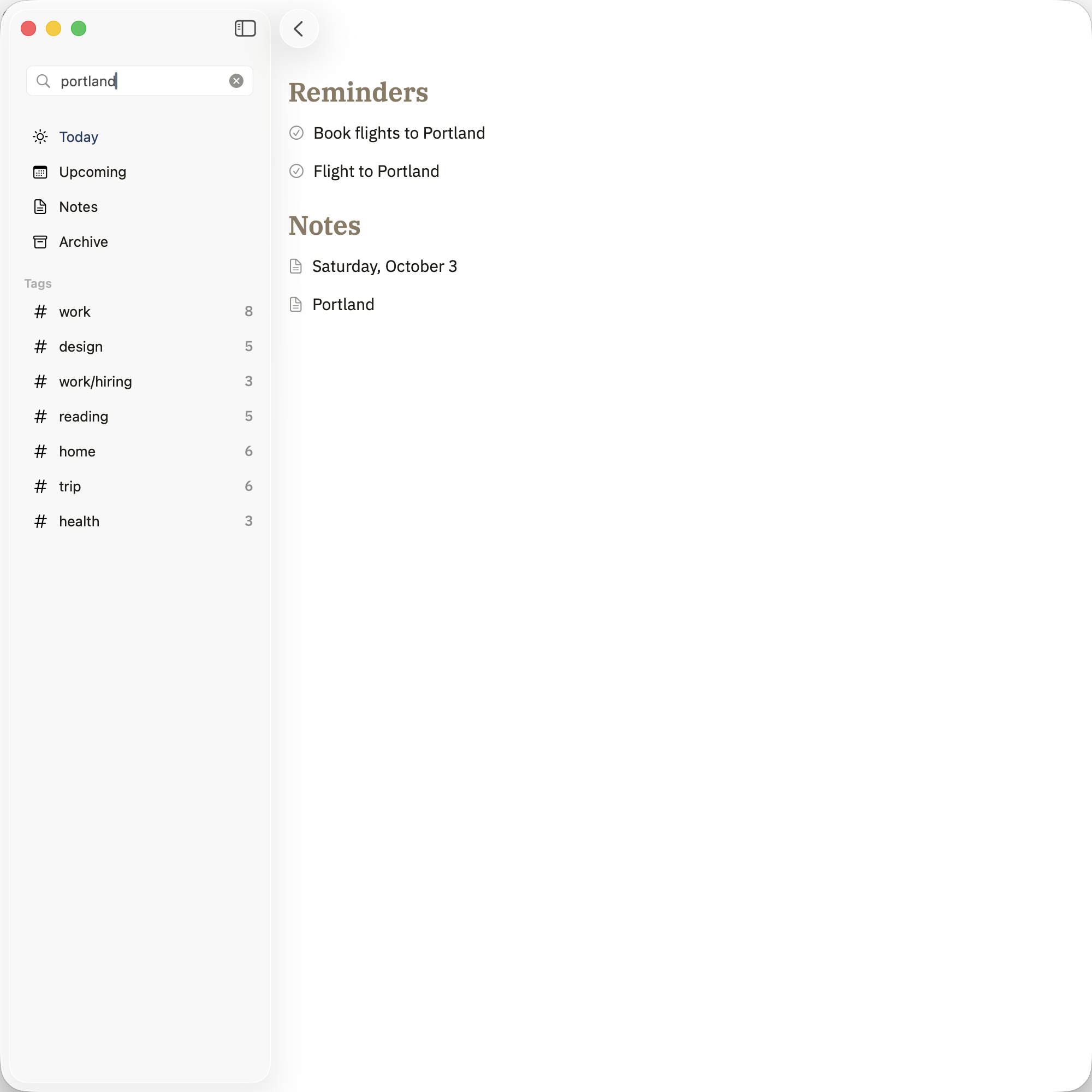
No. Obsidian is entirely optional. Ligature reads and writes plain Markdown files in a folder you choose — if that folder happens to be an Obsidian vault, wikilinks and tags light up. If not, you still get clean .md files you own forever.
How does it work with Apple Reminders?
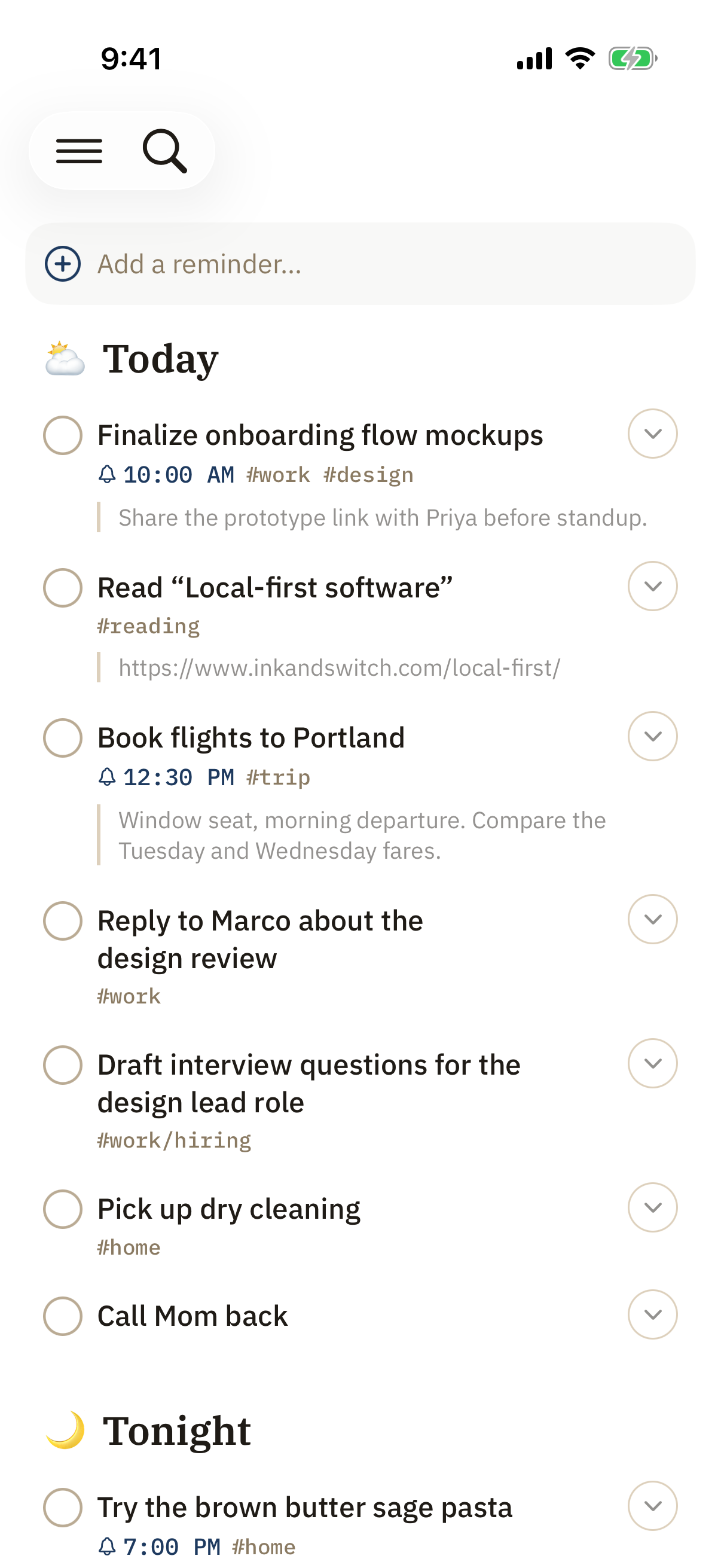
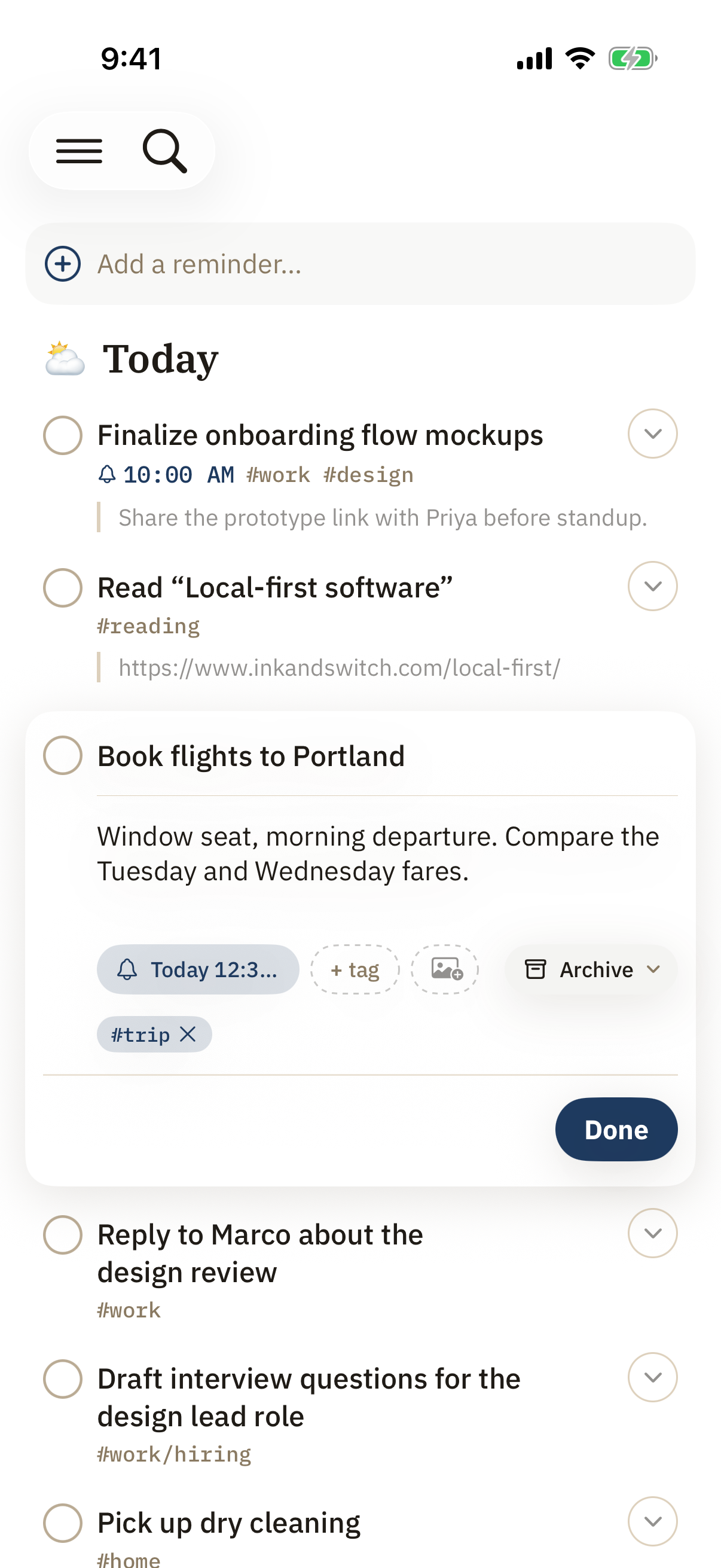
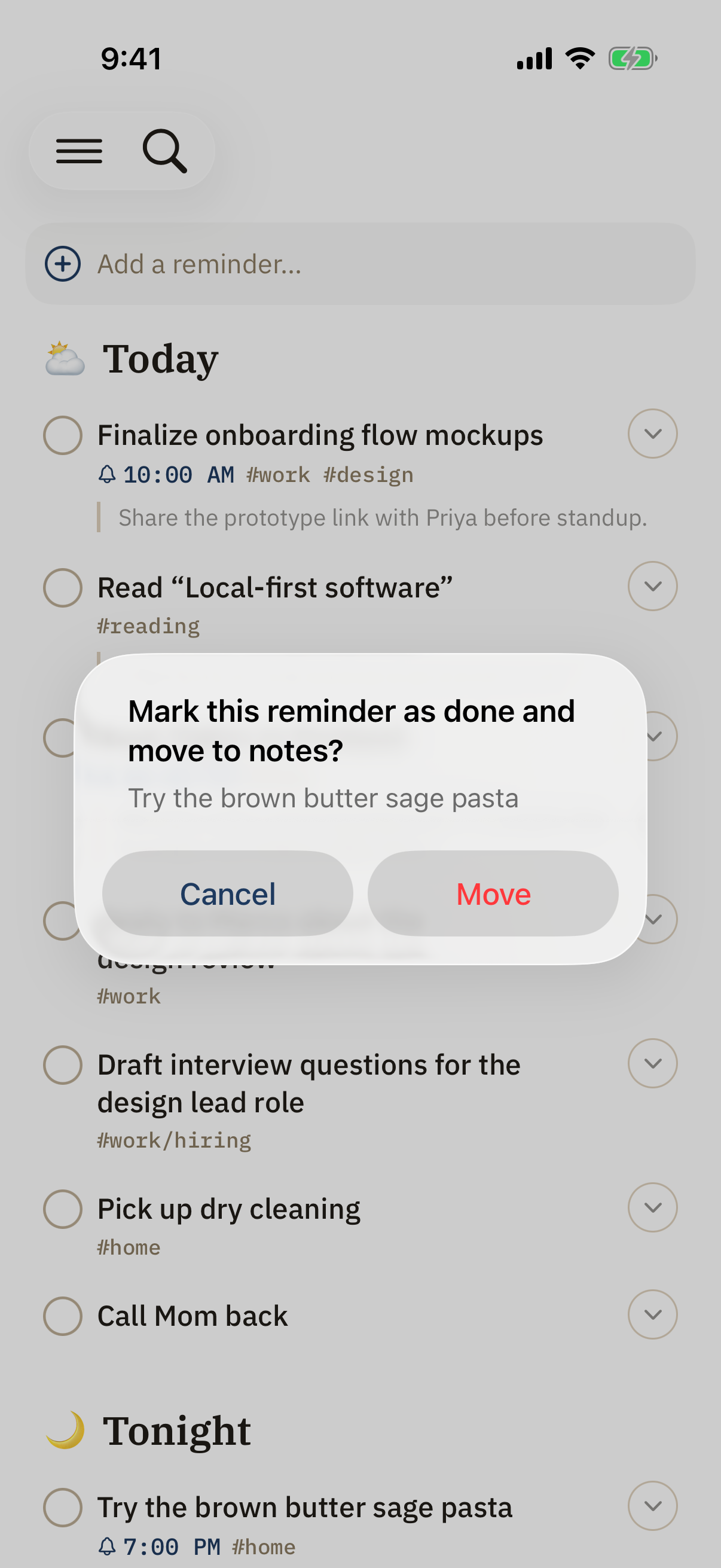
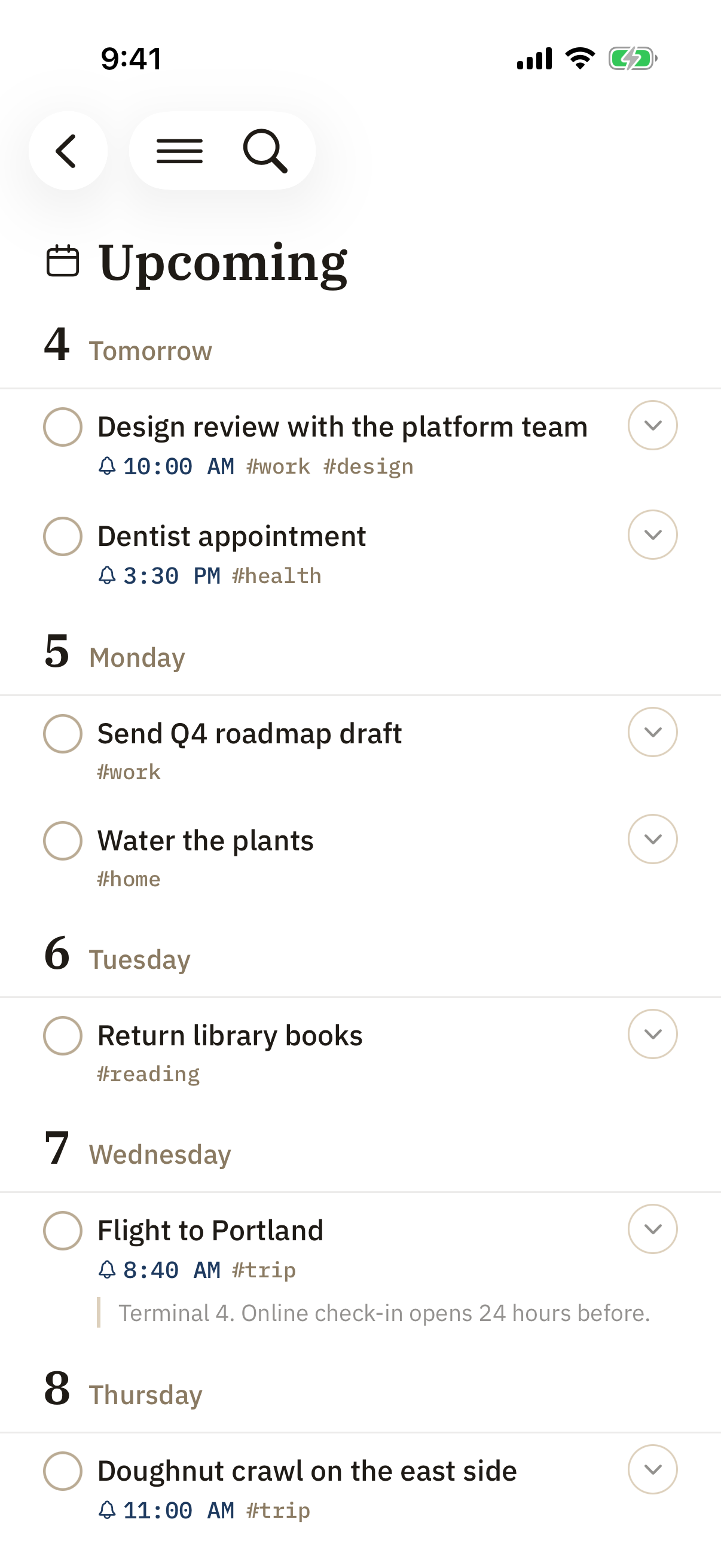
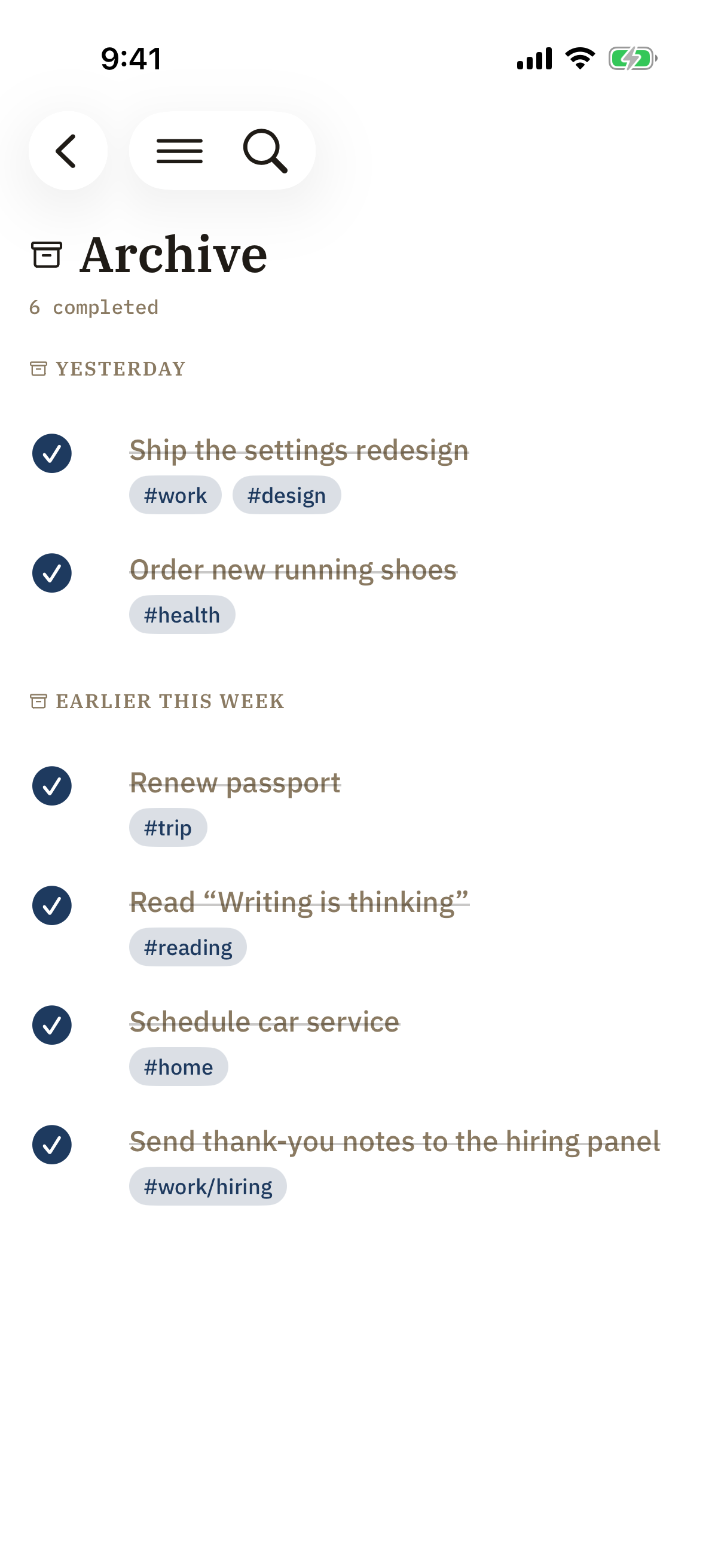
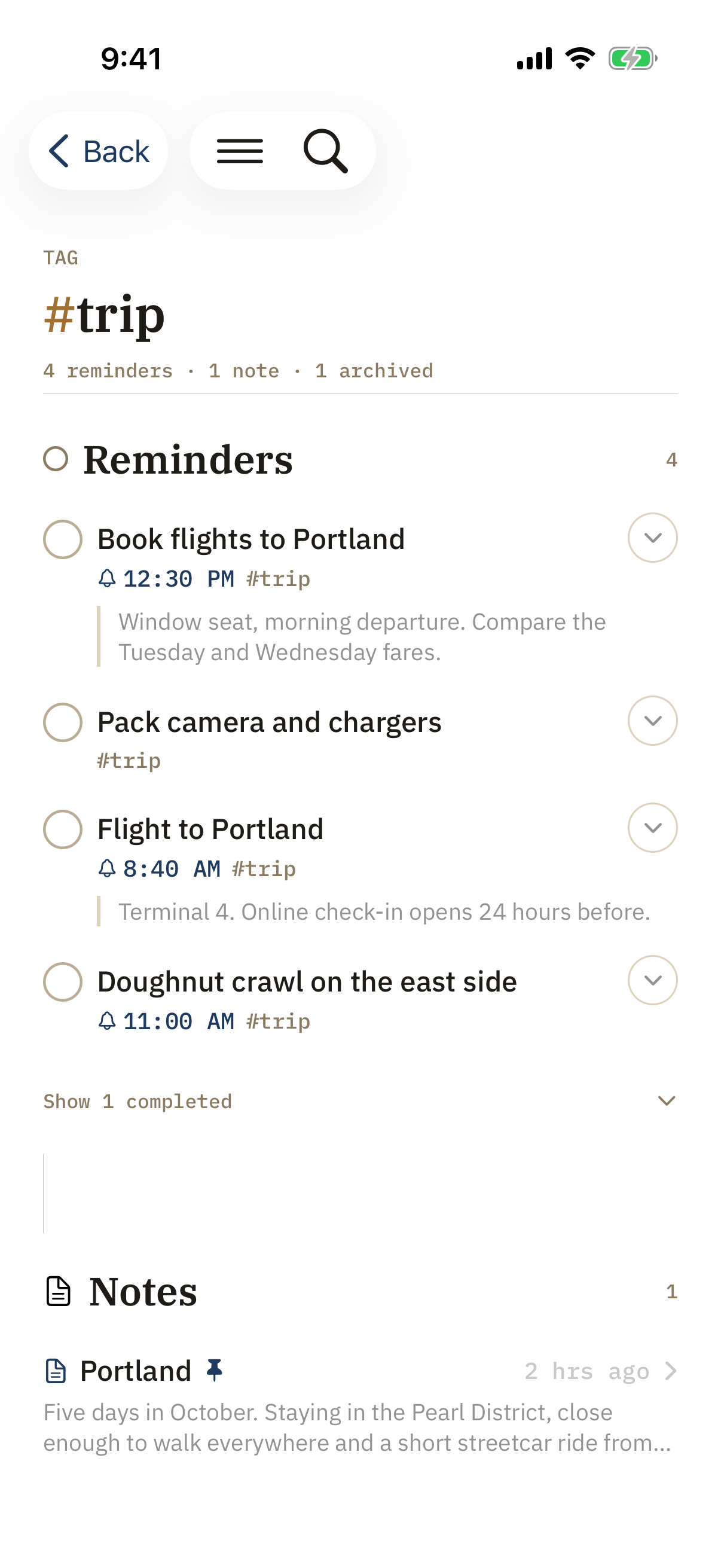
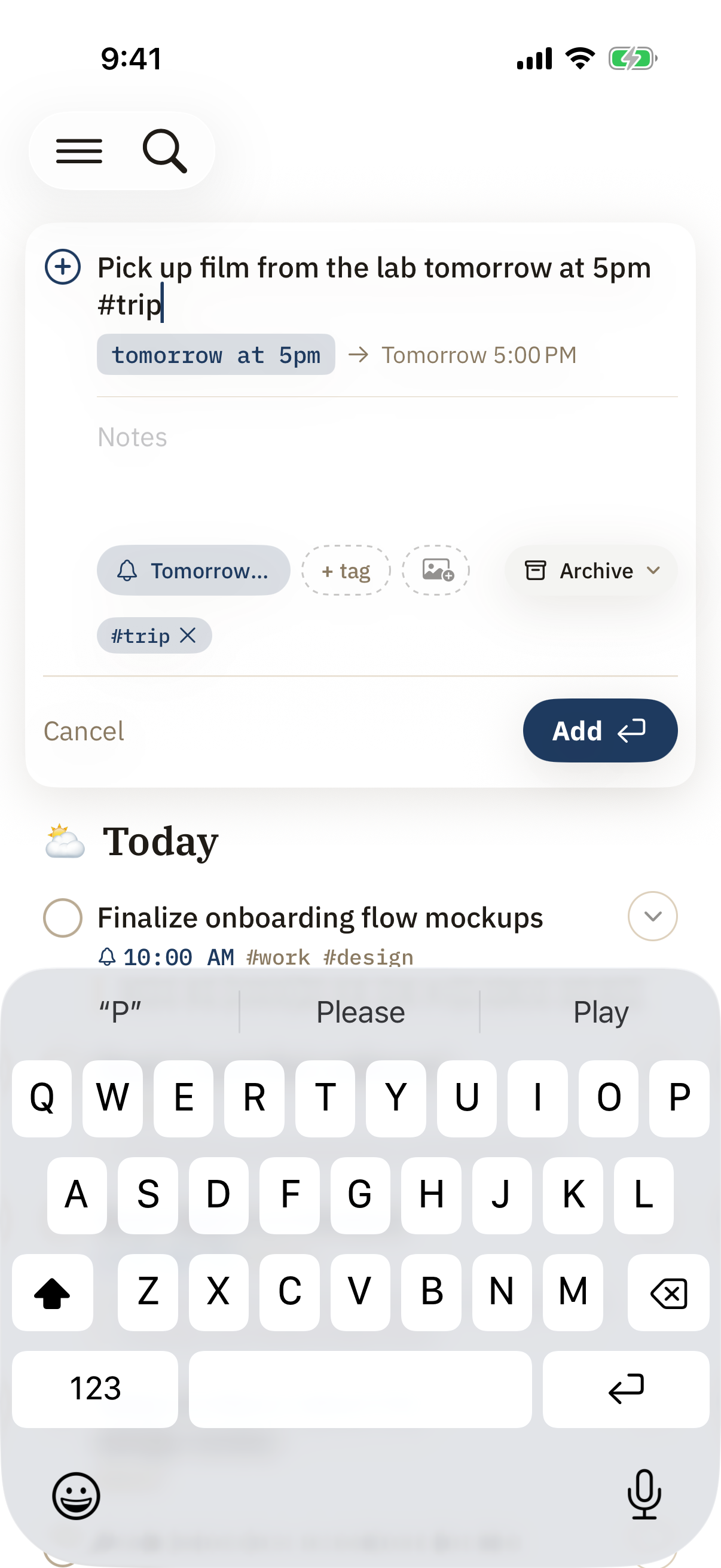
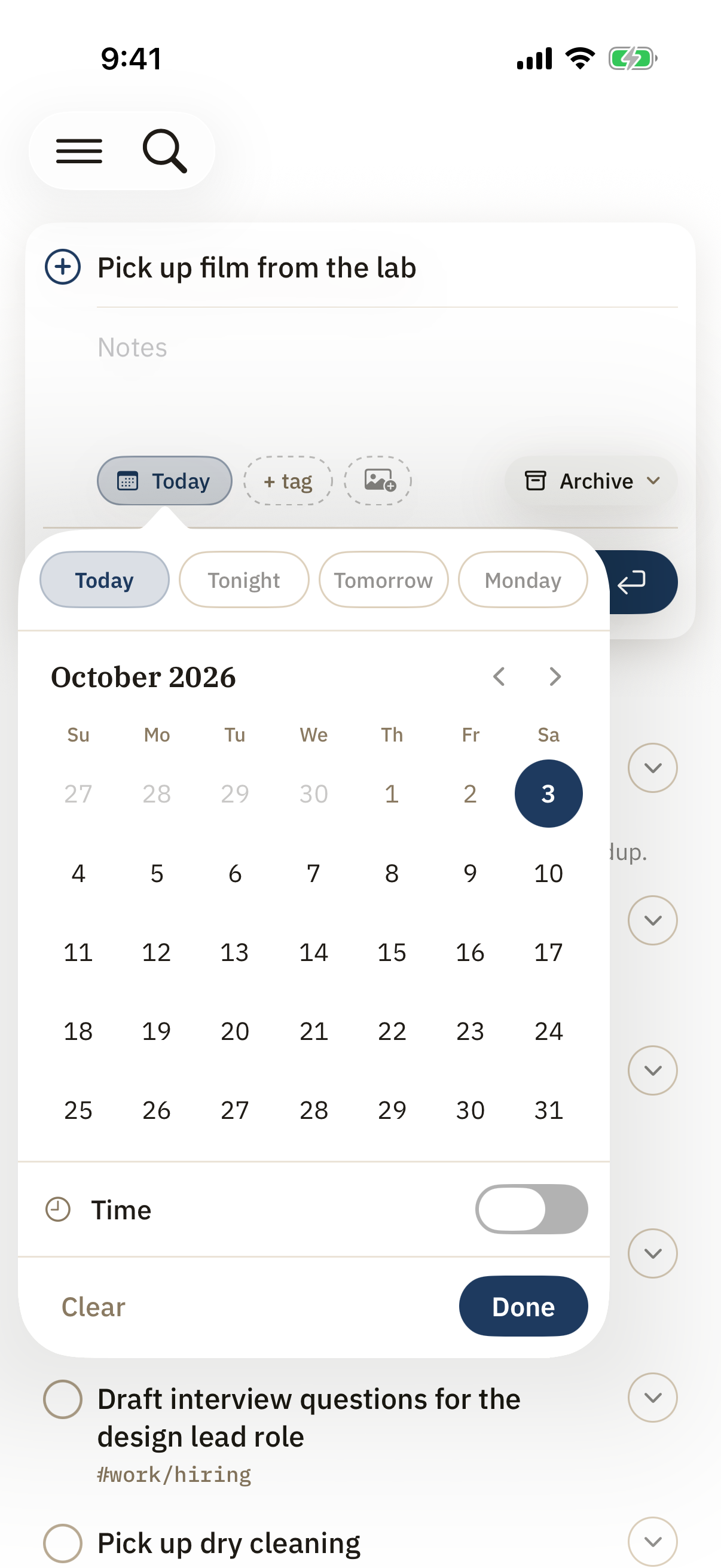
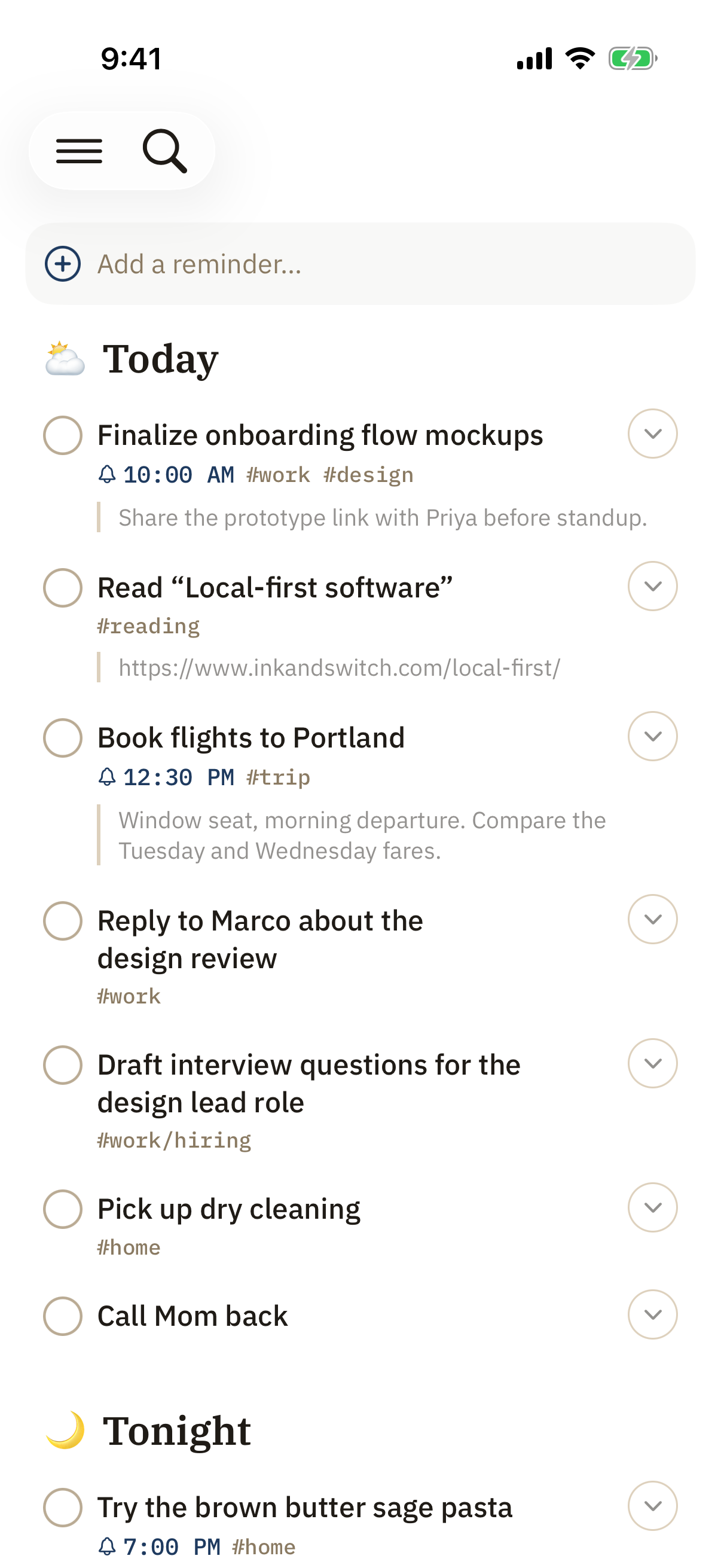
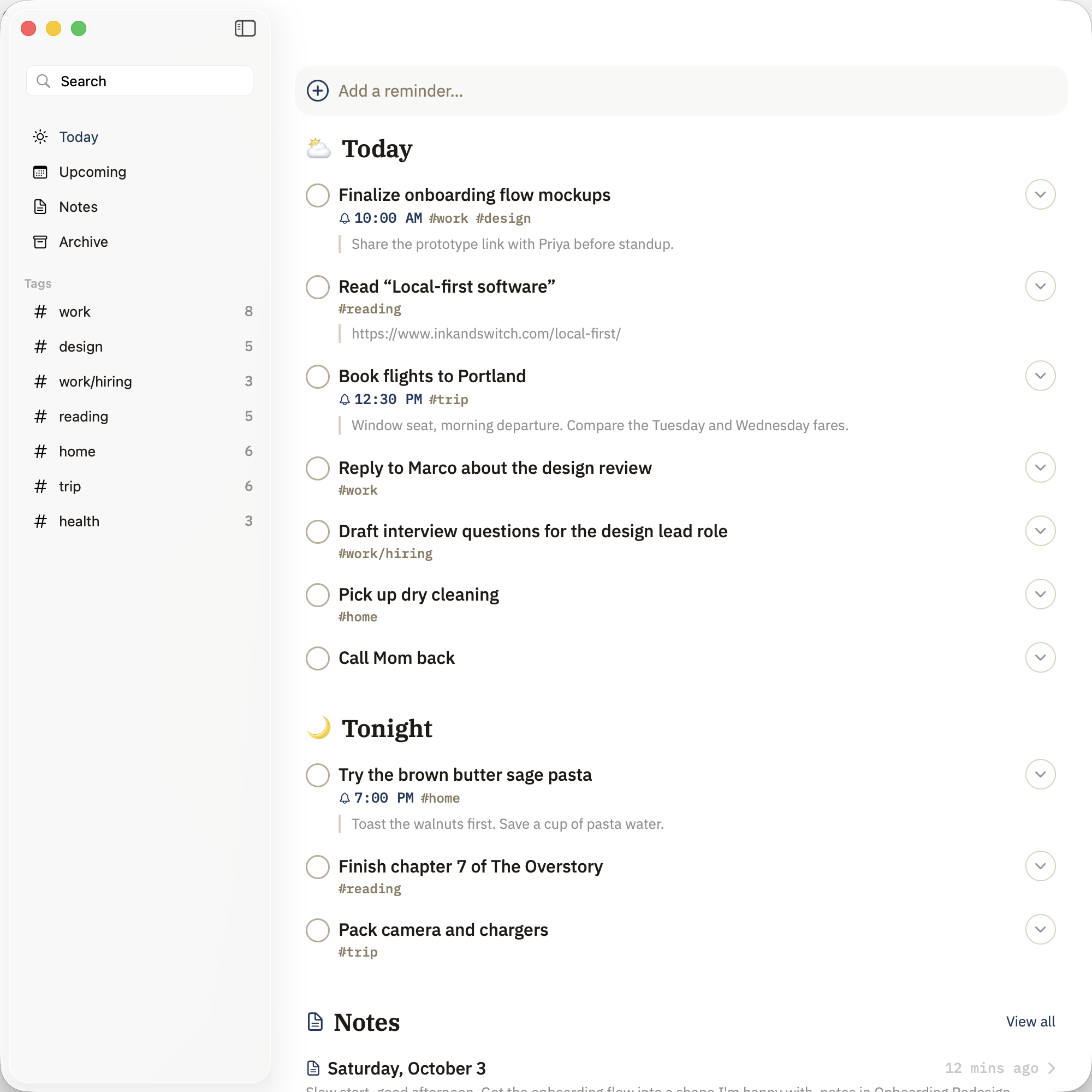
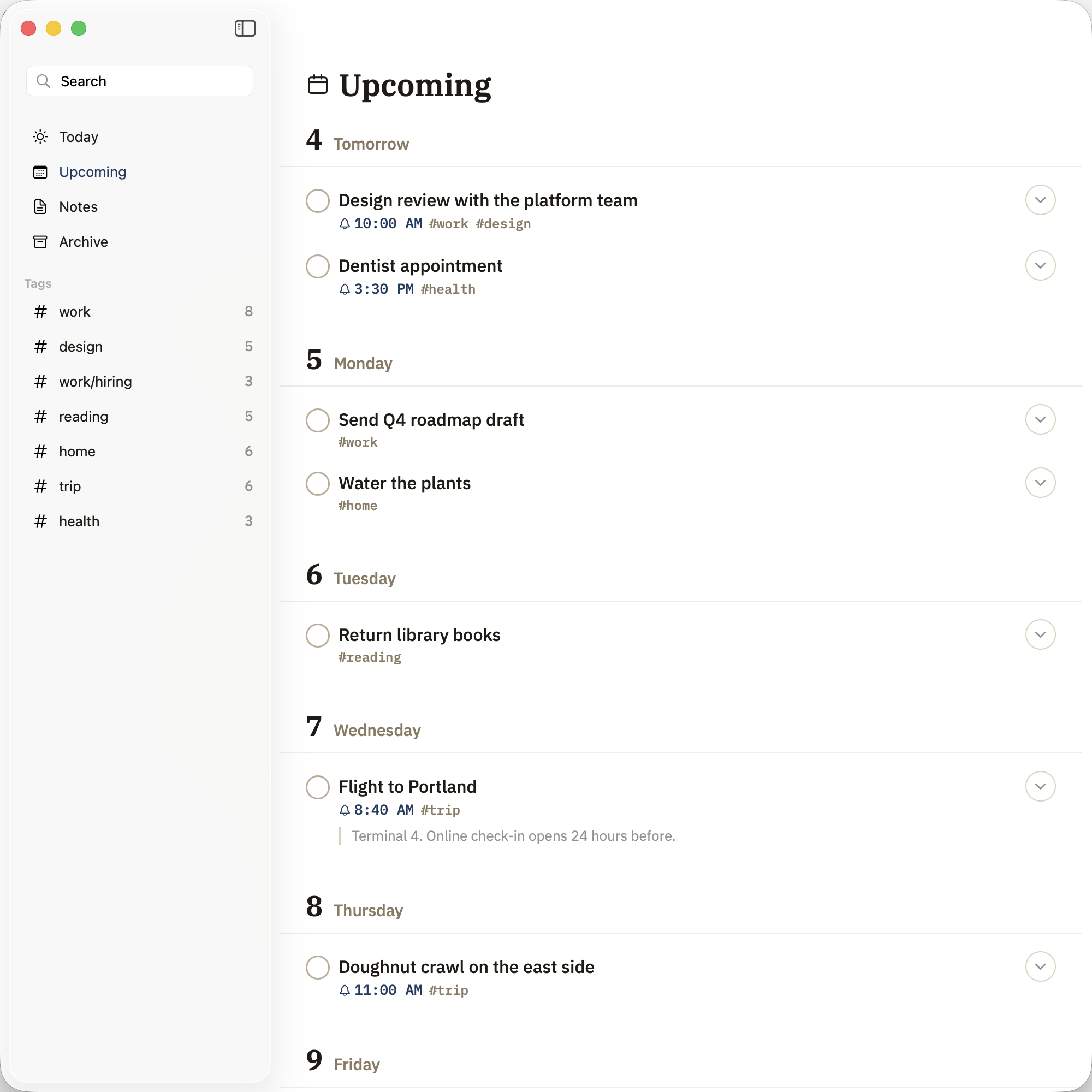
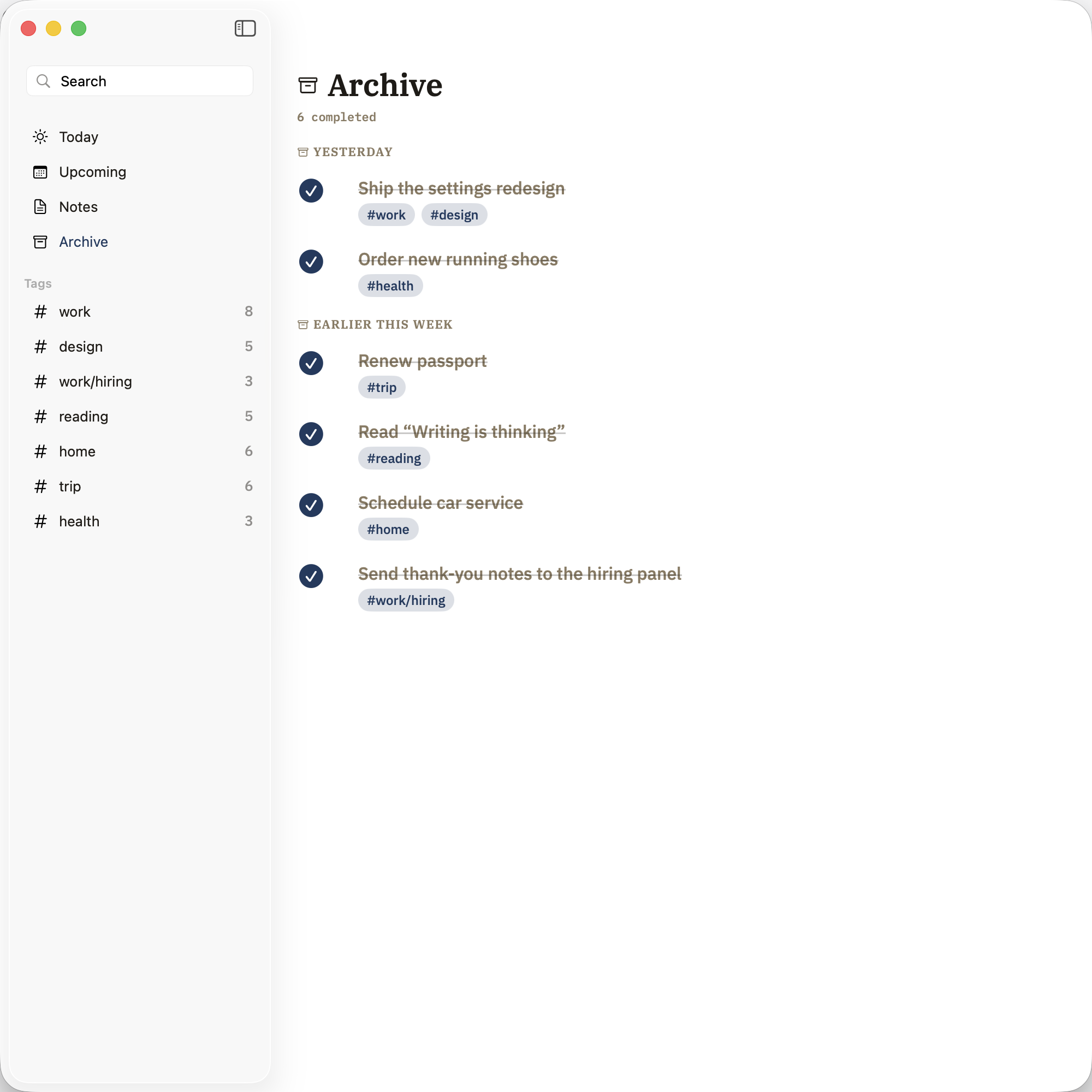
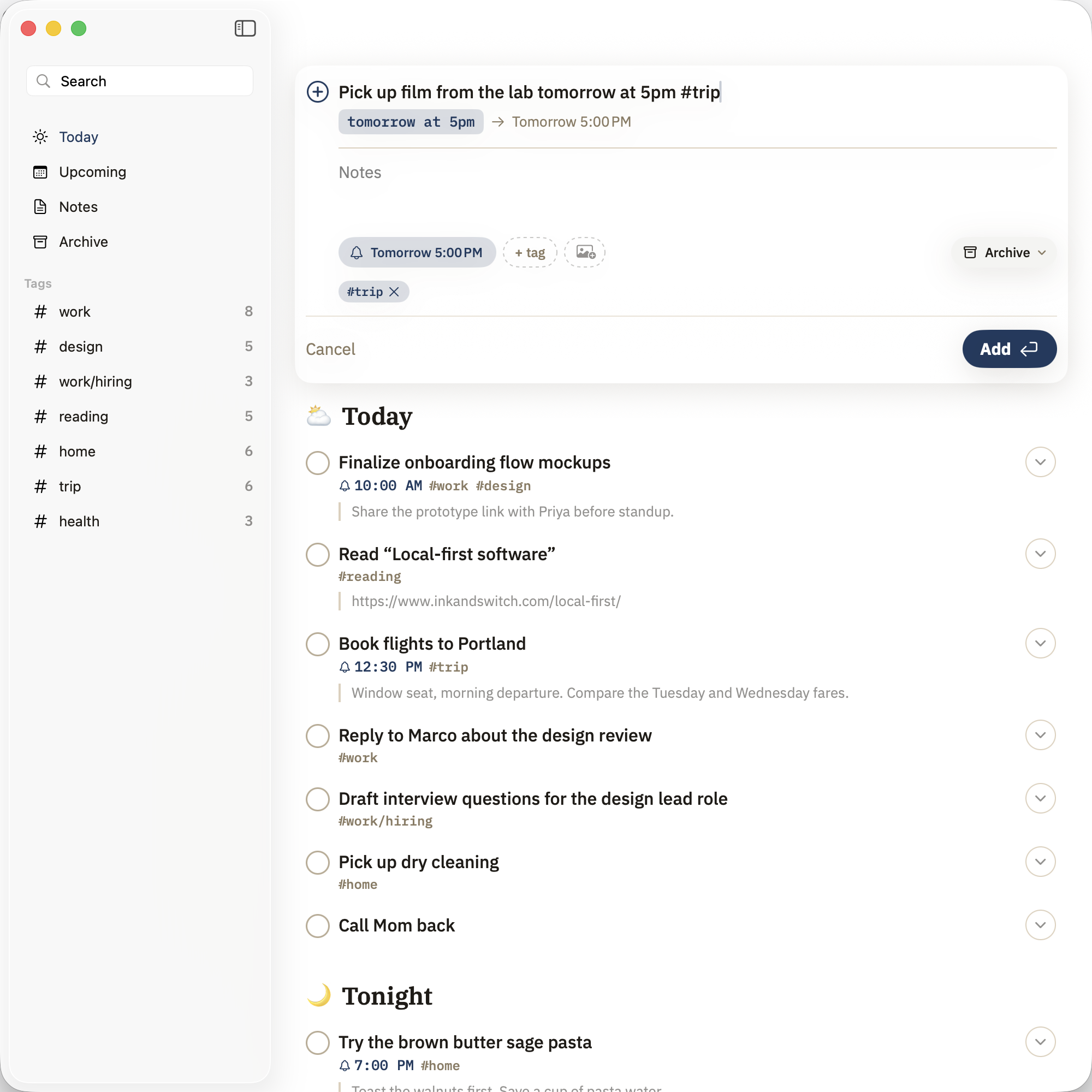
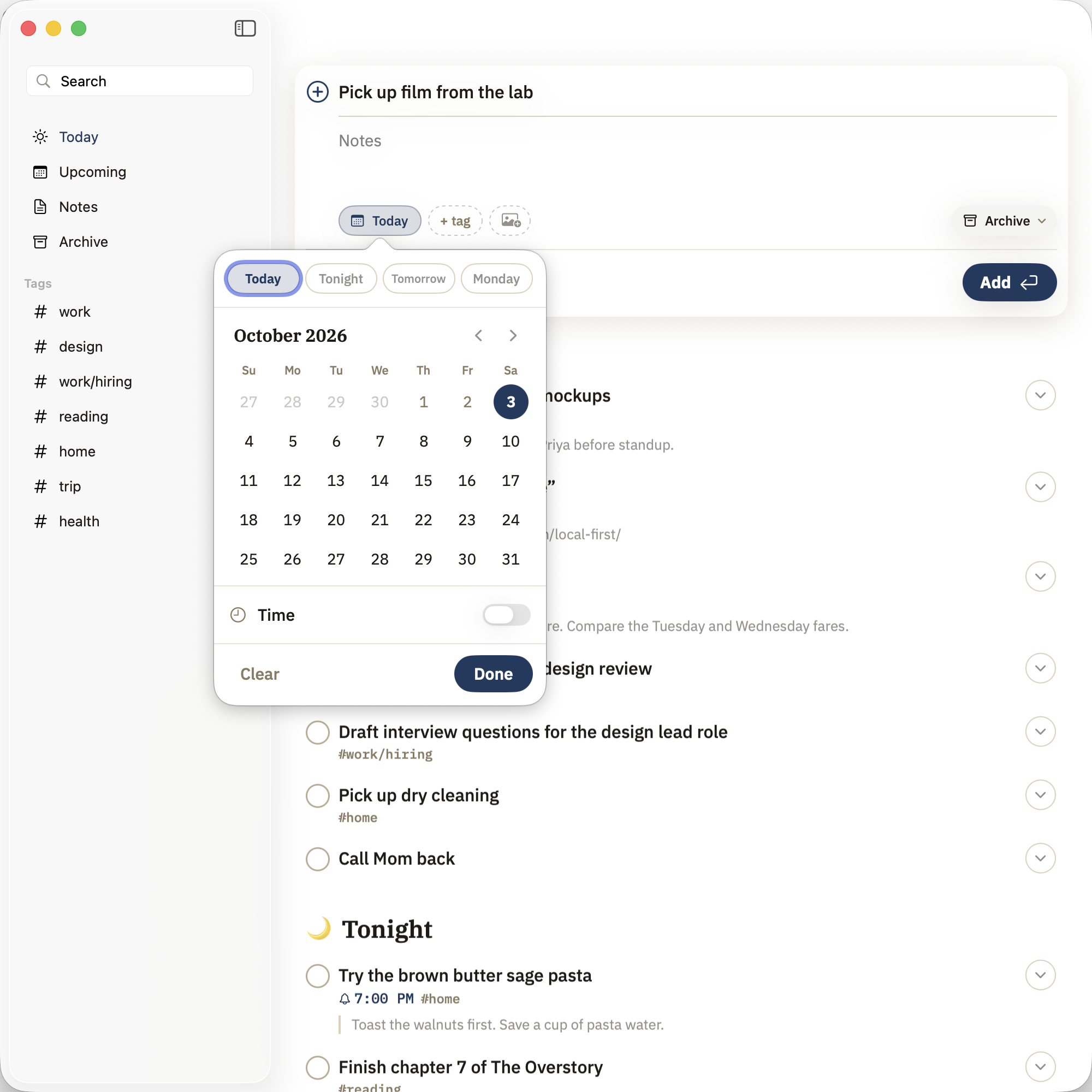
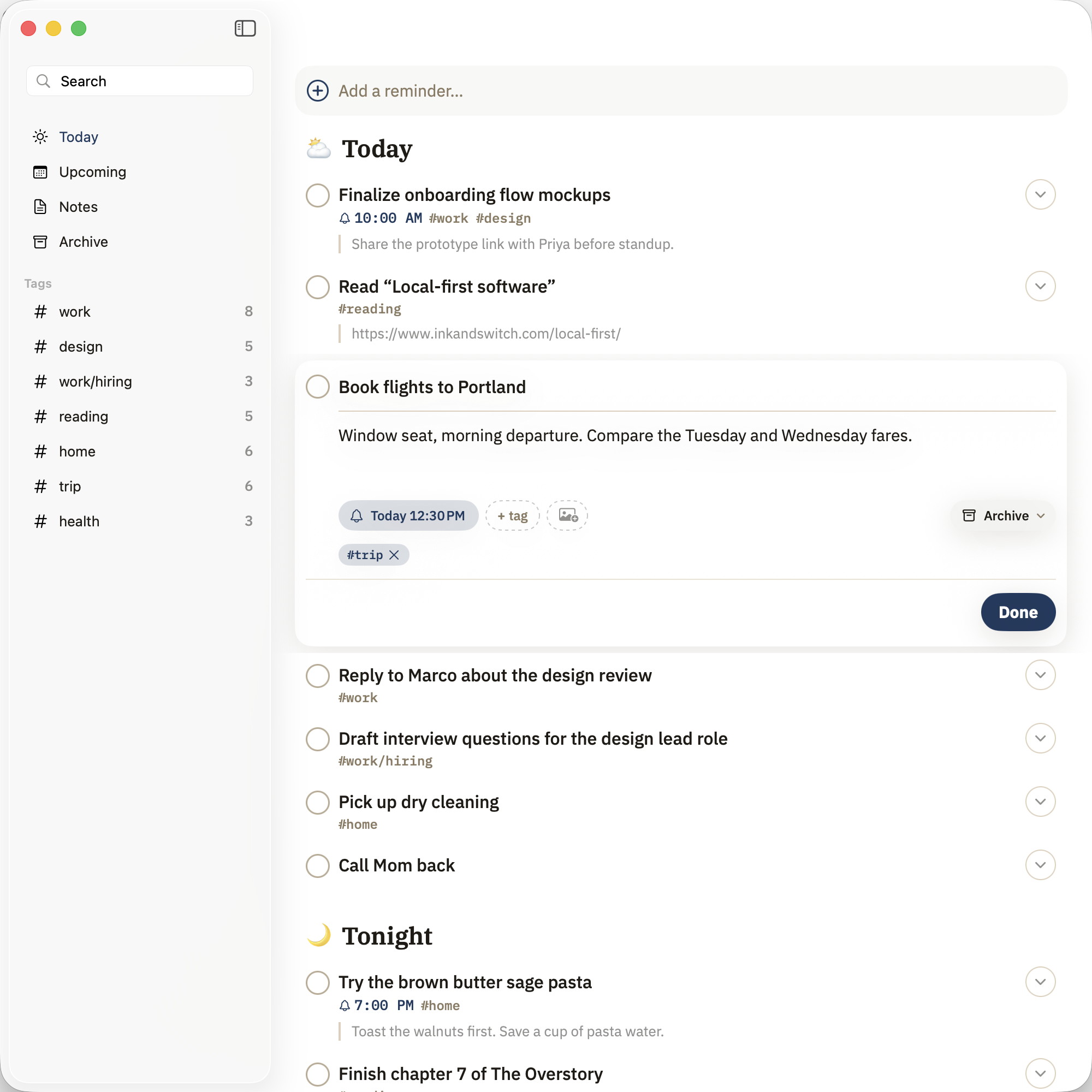
Ligature talks to your real Reminders database through Apple’s EventKit, the same system Siri and the Lock Screen use. Anything you add by voice, on your watch, or in the Reminders app shows up in Ligature — and anything you finish here syncs straight back.
Where are my notes stored?
In a folder on your Mac or iCloud Drive, as ordinary Markdown with YAML frontmatter. There is no proprietary database and no lock-in — open them in any editor, back them up however you like.
Is my data private?
Everything stays on your devices. Reminders sync through your own iCloud account; notes sync through whatever you already use for your vault. Ligature has no servers and collects nothing.
What do I need to run it?
Ligature is a native Swift app for iPhone on iOS 18 or later, and for Mac on macOS 26 (Tahoe). It’s a free download, and the same app works across all your devices.
Who do I contact with questions?
Email mattcrider@gmail.com for any questions, comments or bug reports.